Trackdown 3.0
Count the days
that matter.
Countdowns and count ups that feel like they came with your iPhone.
The dial
Every event
has a dial.
Drawn from the same lines as the app icon, it fills as the day draws closer.
- The day you add a countdown, the needle sets off.
- Halfway there, and one look tells you.
- On the day itself, the dial is full.
Every event
The whole wait,
at a glance.
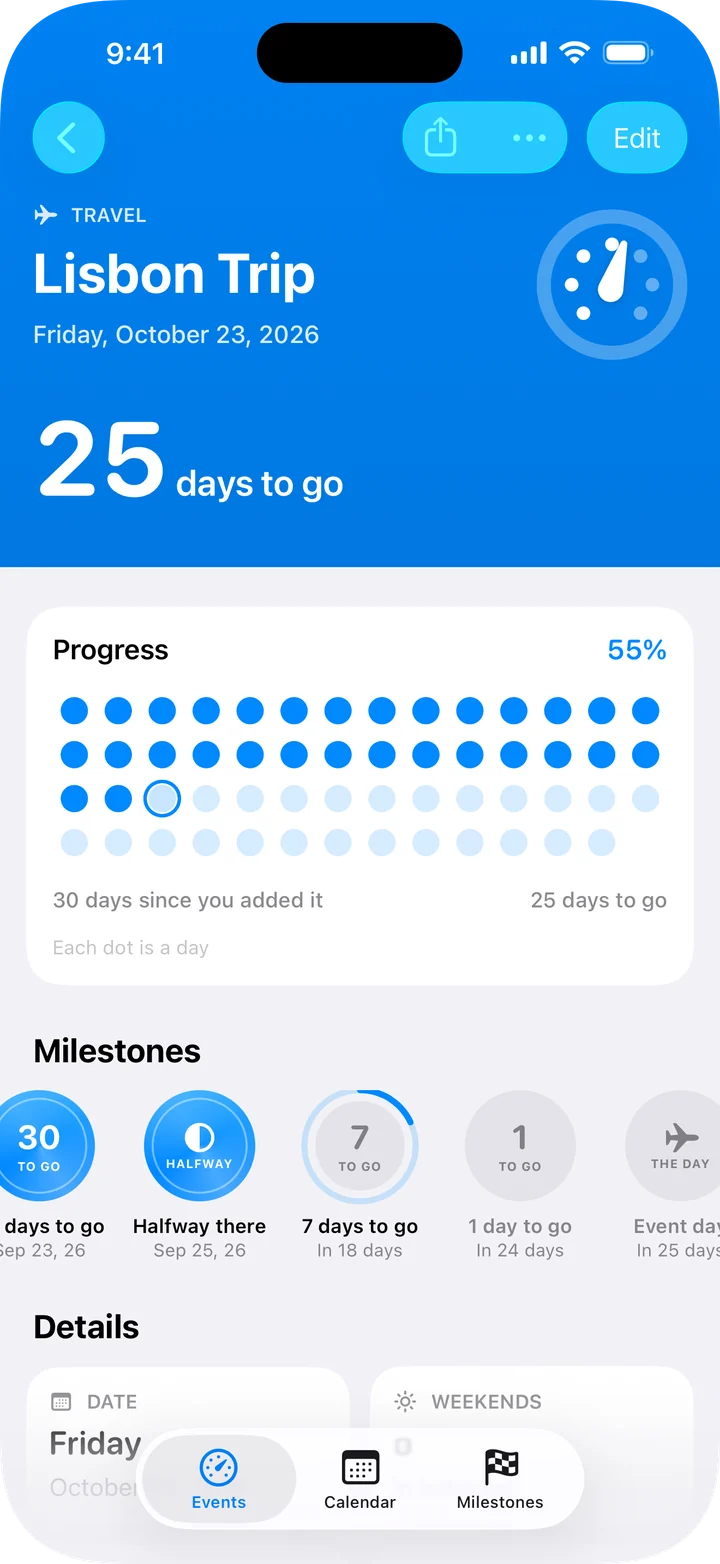
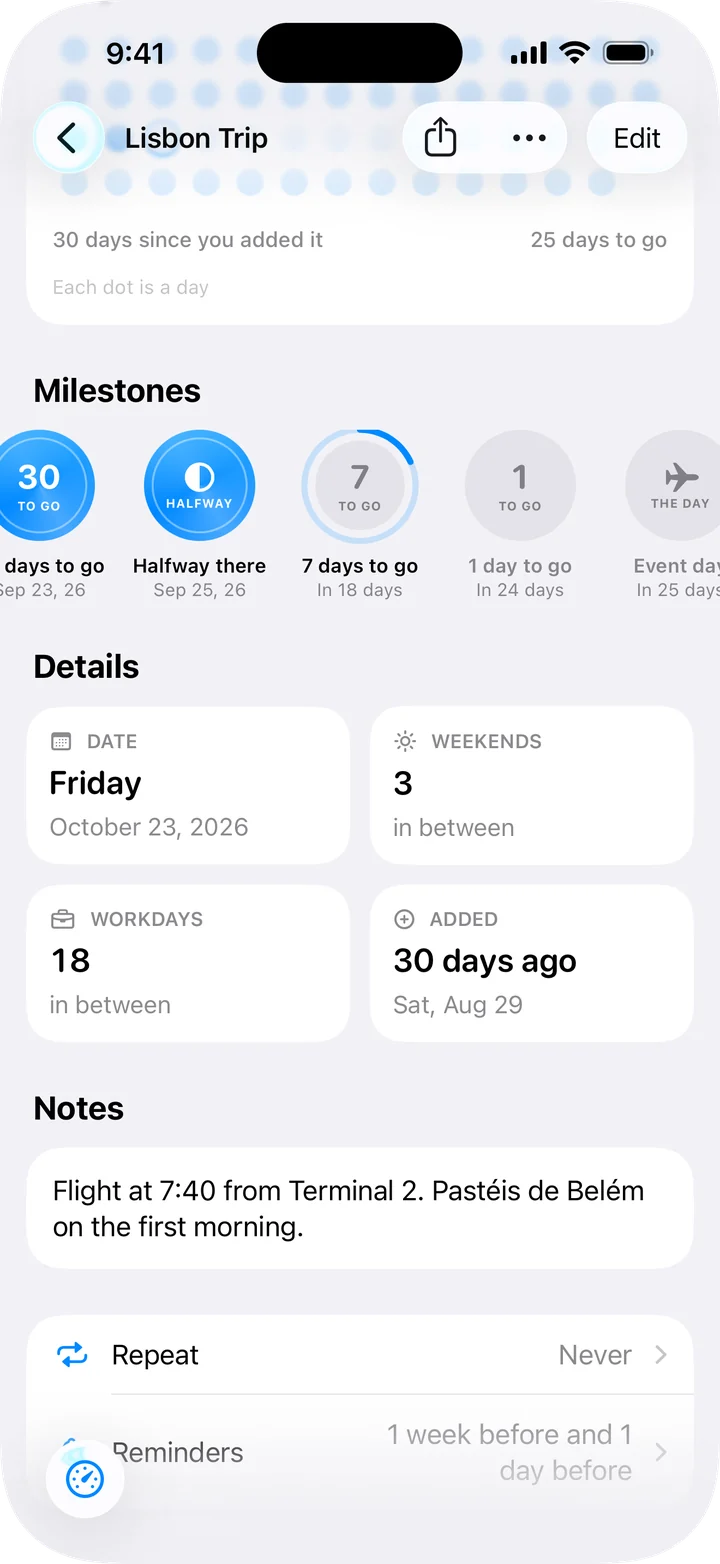
Open an event for the big count, a dot for every day of the wait, the milestones along the way, and handy facts like how many weekends are left.
Tap to change units
Count it
your way.
Tap any count to see it in weeks, months, hours or live seconds. Try it on the next New Year’s Day.
Tap the count
Milestones
Every milestone gets its moment.
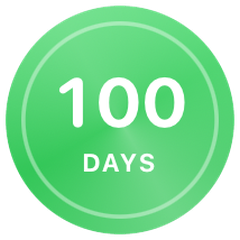
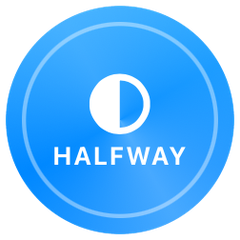
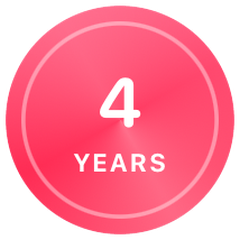
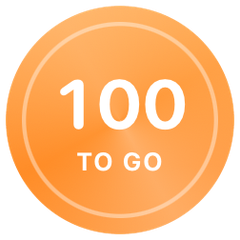
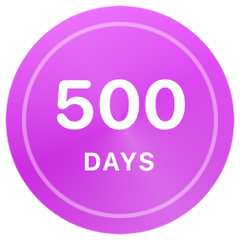
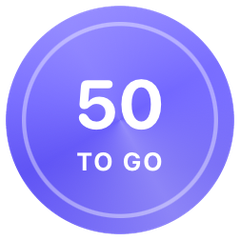
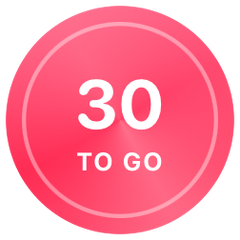
100 days, six months, a year, the halfway point. Each one earns a medal, and Trackdown can remind you when it arrives.
Count up
See how far
you’ve come.
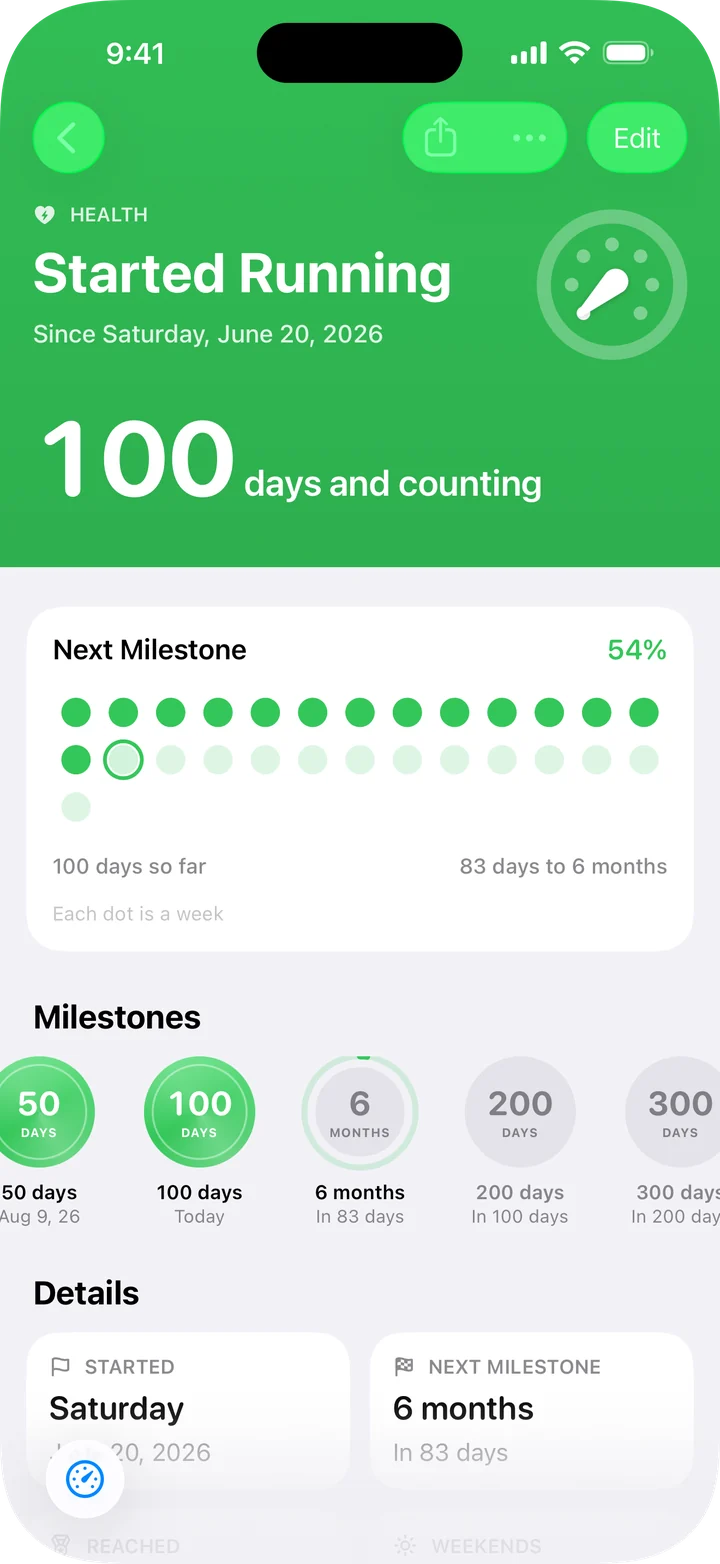
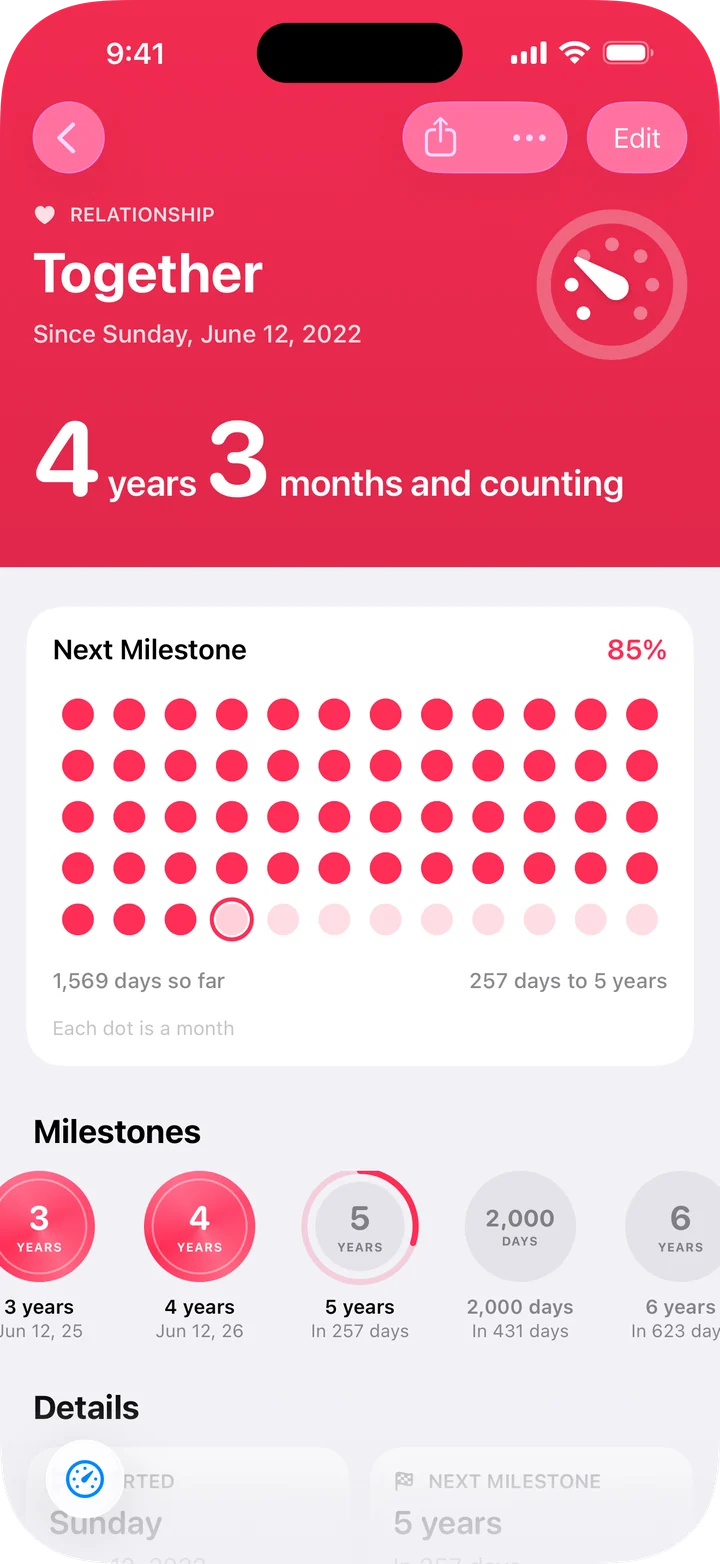
Count up from a first run, a new home or the day you met. Trackdown shows the days so far, and the next milestone to look forward to.
Calendar
Every date,
in one place.
A month view shows your events, their repeats and every milestone. Pick a day to see what falls on it, or start something new right there.
Widgets
On your Home Screen.
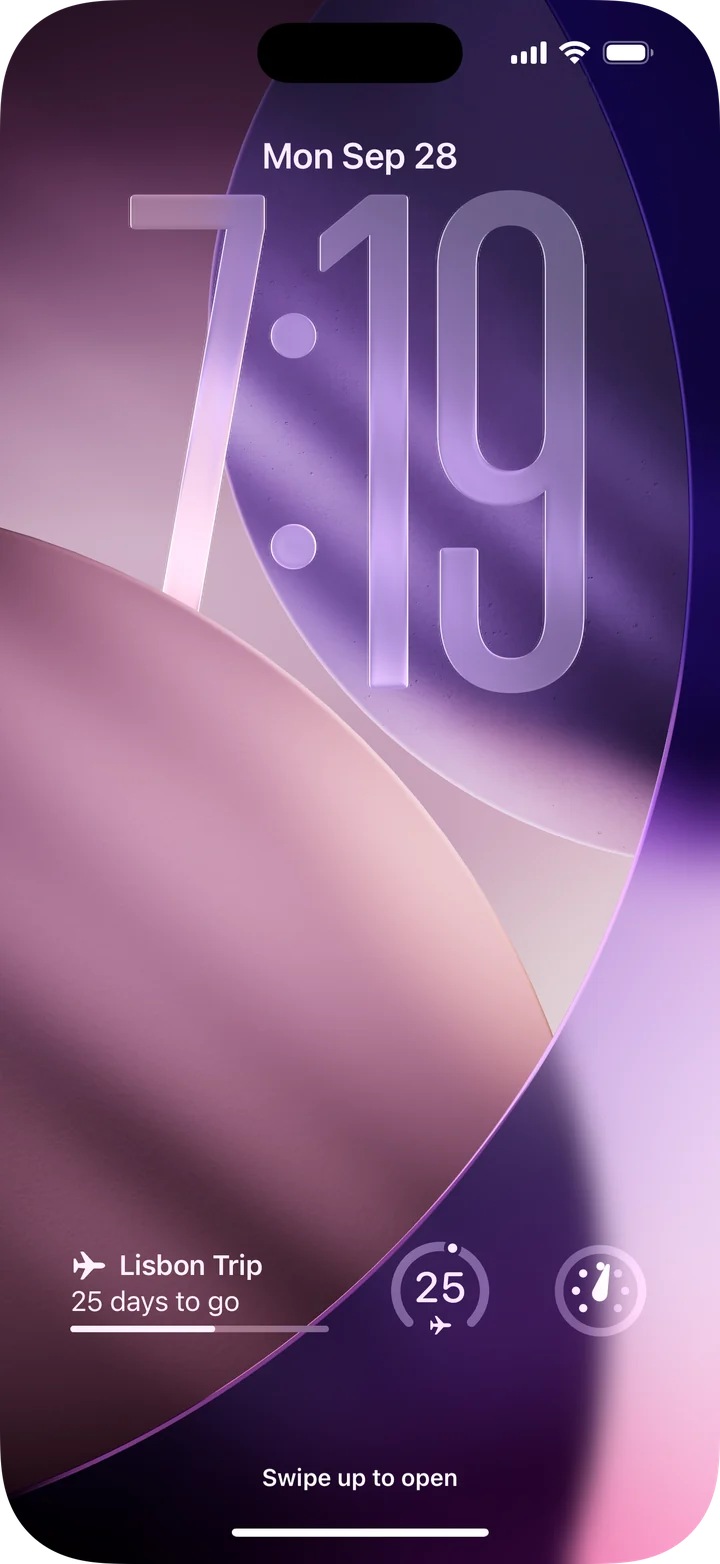
And your Lock Screen.
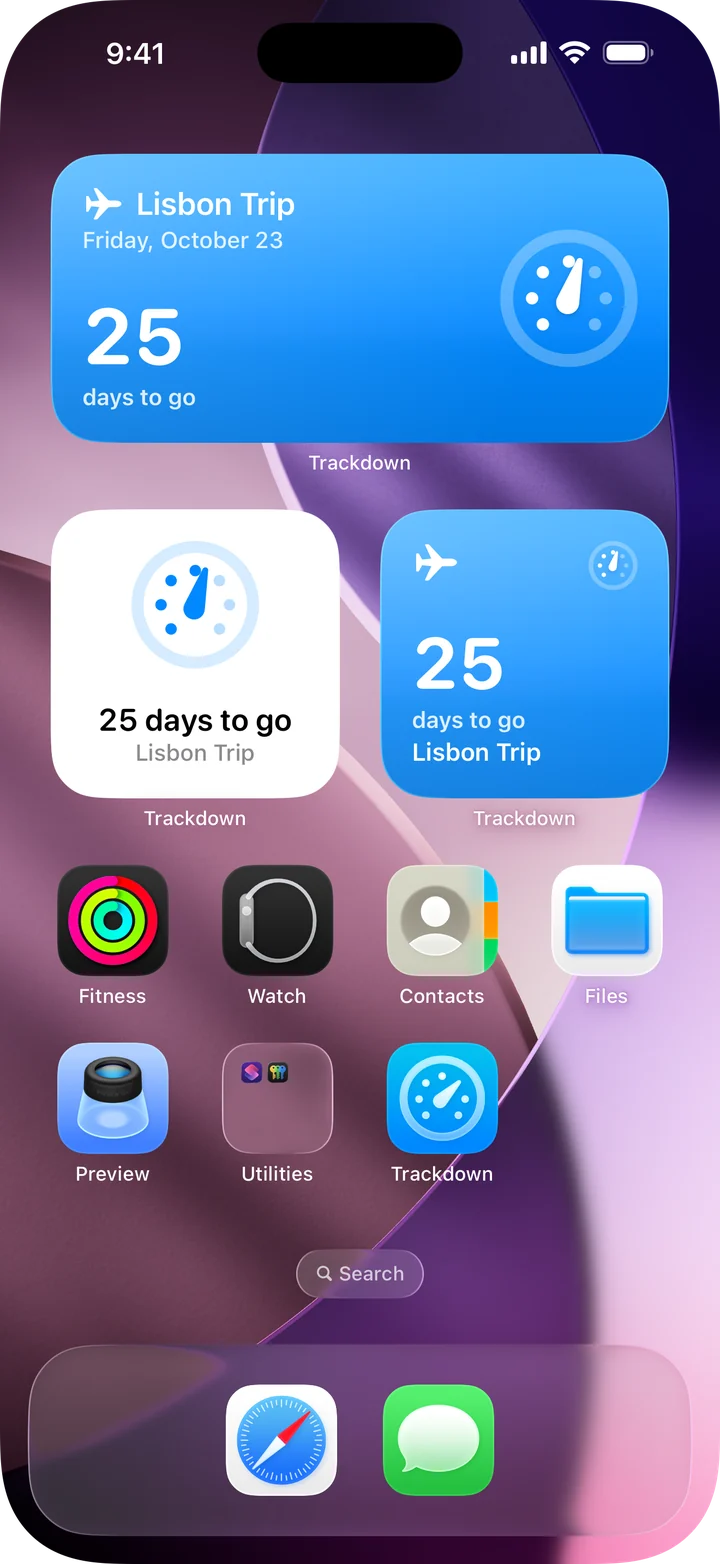
Countdown, Dial and Up Next keep your next big day in view. On the Lock Screen, it is always a glance away.
Adding events
Add a day
in seconds.
Start from a suggestion like Birthday, Vacation or Christmas, with the real date filled in for holidays. Pick a category and an icon, and the preview comes together as you go.
And there’s more.
-
Siri and Shortcuts
Ask “How long until Lisbon Trip in Trackdown?” and Siri answers with the event’s card.
-
Spotlight
Search for any event from your Home Screen and go straight to it.
-
Share a poster
Turn any event into a poster made for Messages and Stories.
-
Add to Calendar
Send an event to Calendar, repeats included.
-
Reminders
A month, a week or a day before, on the day, or at the exact time. You choose when they arrive.
-
Past events
Countdowns that have passed are kept by year, ready to count up or come back every year.
Yours alone.
No account. No server. No tracking. Everything you add stays on your iPhone.
Read the privacy policy